Why Your Local Business Does Not Show Up on Google Maps

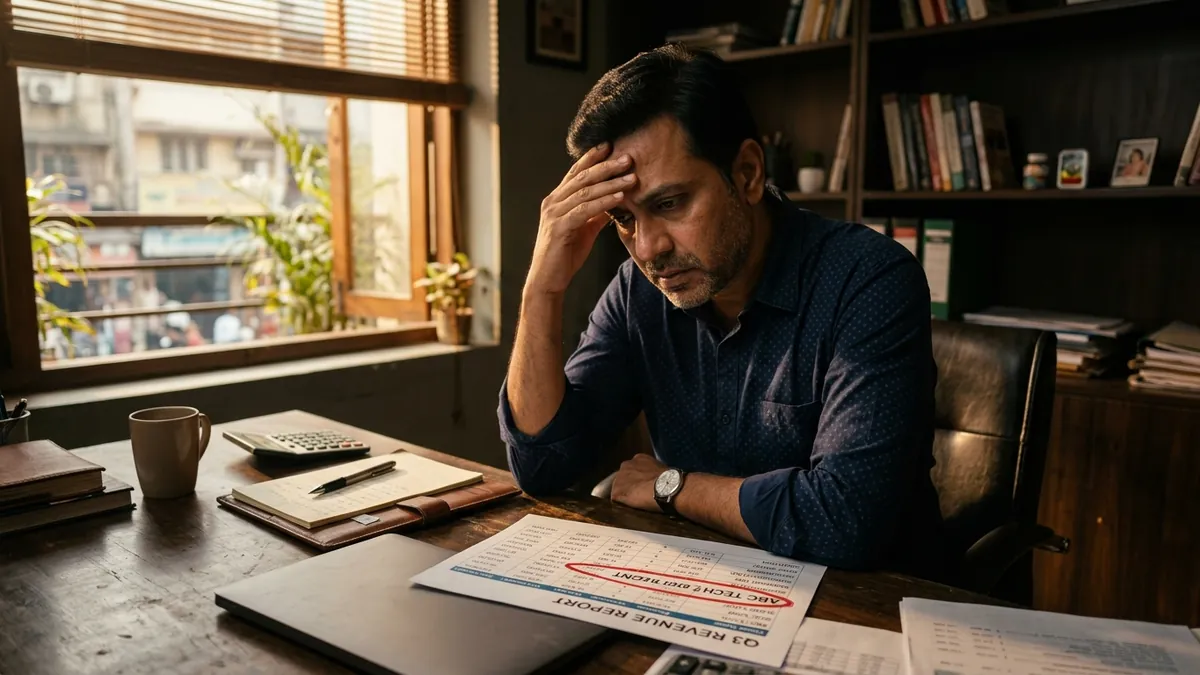
A hardware shop owner in Rajajinagar once told me he had no idea why his shop was not showing up when people searched 'hardware store near me' on Google. His shop had been there for 22 years. His competitor, who opened 18 months ago, was ranking above him every single time. This is not a rare situation. I see it constantly with manufacturers, service providers, clinics, retailers and consultants across Bengaluru, Pune, Surat and smaller towns. Being older or better does not automatically mean Google knows you exist.
The first and most common reason is an unclaimed or incomplete Google Business Profile. Many business owners either never claimed their listing or set it up halfway and forgot about it. Google needs complete information to trust your business enough to show it. That means your business name exactly as it appears on your shop or invoice, the correct category, a working phone number, your actual address with pincode, your website link and your working hours — including whether you are open on Sundays. If any of these are missing or inconsistent, Google quietly deprioritises your listing in local search results.
The second reason is that your business name, address and phone number — what SEO people call NAP — is different across different places online. Your Justdial listing says one address, your Facebook page says another, your website footer shows a third. Google cross-checks these signals. When they do not match, it creates doubt about whether your business is real and active. I have audited listings where the phone number had not been updated after a SIM change two years ago. That alone can quietly kill your local ranking. Fix the inconsistency everywhere — IndiaMart, Sulekha, JD, Facebook, your own website footer — not just on Google.
Third problem: no reviews, or reviews with no responses. Google treats reviews as a trust signal. A business with 40 genuine reviews and regular responses from the owner ranks significantly higher than a business with 3 reviews and silence. Most Indian business owners feel awkward asking customers to leave a review. But this is not optional anymore. After a sale, a service call, a satisfied customer interaction — that is the right moment to send a WhatsApp message with your Google review link and a polite request. Responding to every review, including the negative ones calmly and professionally, signals to Google that your business is active and engaged.
Fourth issue I see often with manufacturers and B2B service providers: the category chosen on Google Business Profile is too broad or completely wrong. A corrugated box manufacturer once selected 'Packaging company' as his category. His actual buyers were searching 'corrugated box manufacturer Bhiwandi.' When we changed the primary category to the most specific one available and added secondary categories that matched his actual services, his impressions jumped within three weeks. Spend time researching the right category. It matters more than most business owners realise. If you want to go deeper on how to position your business correctly for search and buyer intent, a one-to-one consultation can help you audit this properly.
Fifth: your Google Business Profile has no posts, no photos or outdated photos. Google rewards active listings. Posting once a week — even a simple update about your product, a project you completed, an offer or a team photo — keeps your profile fresh. Photos are even more important. Listings with at least 10 real photos of the shop, the team, the product and the work environment get significantly more clicks than listings with a single blurry photo taken in 2019. Take photos with a decent smartphone in good light. You do not need a photographer for this. Just make sure the images are clear, honest and show what you actually do.
Sixth reason, and this one affects service businesses the most: you have not defined your service area. If you are a plumber, an event decorator, a pest control service or an AC repair technician, customers might not come to your address — you go to them. Google allows you to set a service area radius instead of a physical address. Many service businesses skip this step. Without it, Google does not know which neighbourhoods to show you in. Go into your Google Business Profile settings, set the areas you actually serve and remove or hide the street address if you do not receive customers at your location.
There is also a less obvious issue I want to mention — your website's local signals. If your website does not mention your city, locality or service area anywhere in the text, Google has no context to connect your website with local searches. Your homepage, contact page and even your service pages should naturally mention where you operate. 'We serve clients across Whitefield, Marathahalli and HSR Layout' is not just useful for visitors — it tells Google exactly where you are relevant. This is also why I often cover local SEO as part of business growth workshops for MSME founders who want to improve their Google presence without hiring an expensive agency.
Fixing local SEO visibility is not complicated, but it requires attention to detail and consistency over time. Start this week by claiming and completing your Google Business Profile if you have not already. Then audit your NAP across five to six major directories. Ask your next ten happy customers for a review. Add ten photos. Write one Google post. These are all free actions that cost you only an afternoon of focused work. Most of your competitors are ignoring at least three of these things — which means doing them well gives you a real and measurable advantage in local search.
Want to understand where your business growth is stuck?
Book a Business Growth Diagnostic with Abhijit JK — an honest, focused 60-minute one-to-one session with Abhijit JK on your brand, website and growth.
Book a Business Growth Diagnostic